
Start-Up & Always-On
Boots straight into the cameras
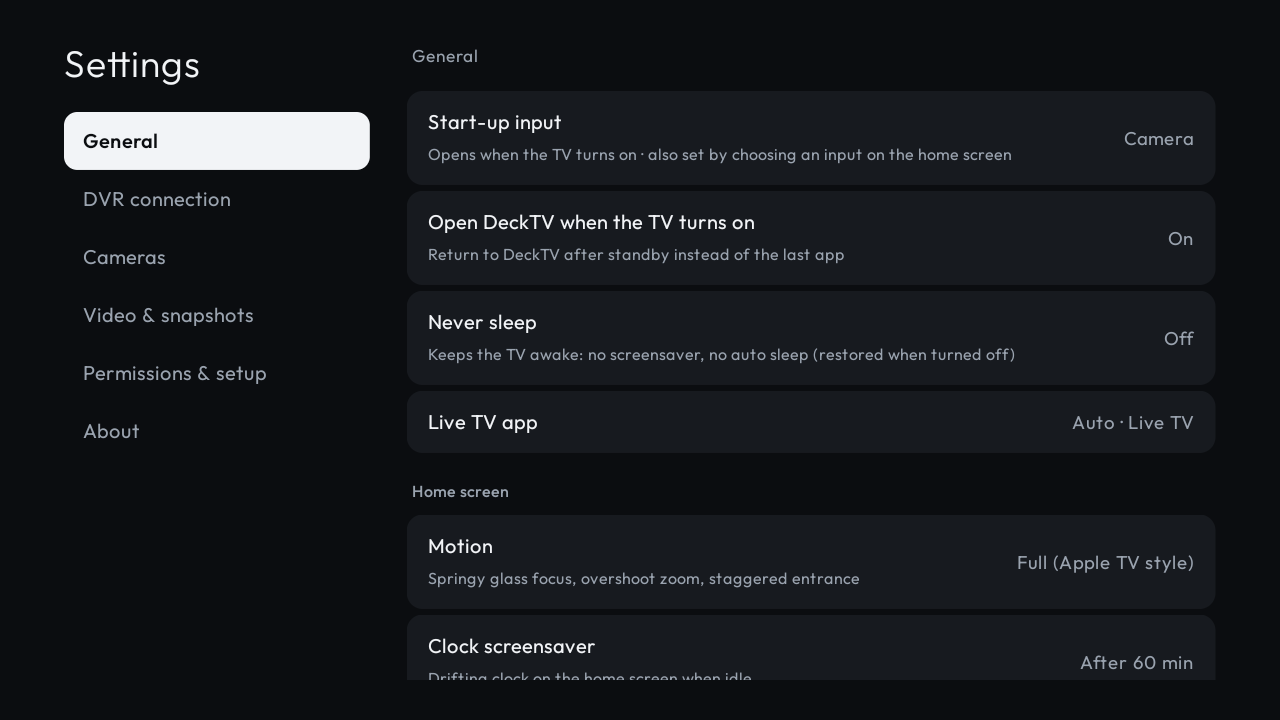
Settings → Start-up input offers Camera, Home screen, HDMI/AV inputs, and Live TV. Camera is the default after installation, so your TV powers on into the full-screen camera wall without needing a remote.
Input switcher on the home screen
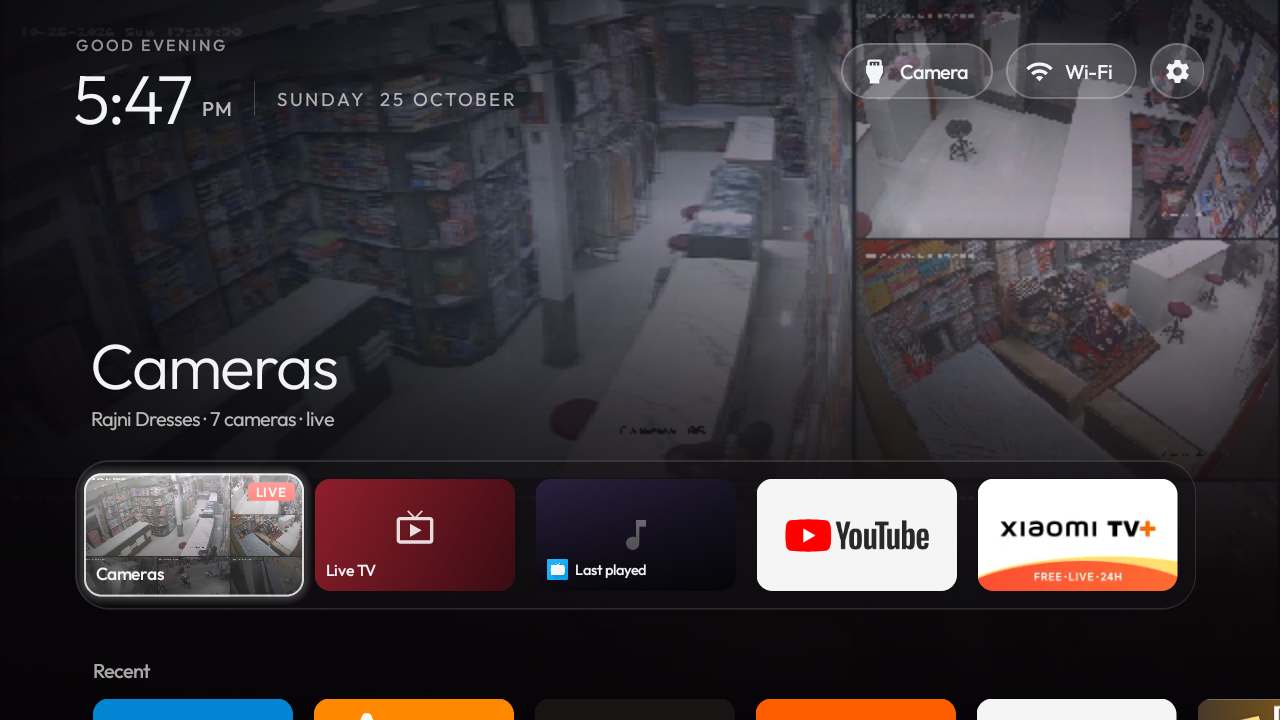
Selecting any HDMI or AV input directly on the home screen automatically sets it as your default start-up input.
Open on TV turn-on
Returns directly to DeckTV after standby instead of leaving the TV on a third-party app or black screen.
Xiaomi power-on fix
Xiaomi firmware opens Live TV on its last source at power-on via set_auto_play. DeckTV keeps this synchronized with your start-up input so Live TV never grabs the display unexpectedly.
Never sleep mode
Keeps the TV display awake: disables system screensavers and auto-sleep timers so your security wall runs 24/7 (original timers restored when toggled off).
Keep screen awake
Prevents the device from dimming or sleeping while video feeds are active.
One-press permission setup
"Allow everything" grants DeckTV necessary TV system permissions via the TV's local loopback debugging service (127.0.0.1) without connecting a PC.
Cameras & Layouts
Every camera on one screen
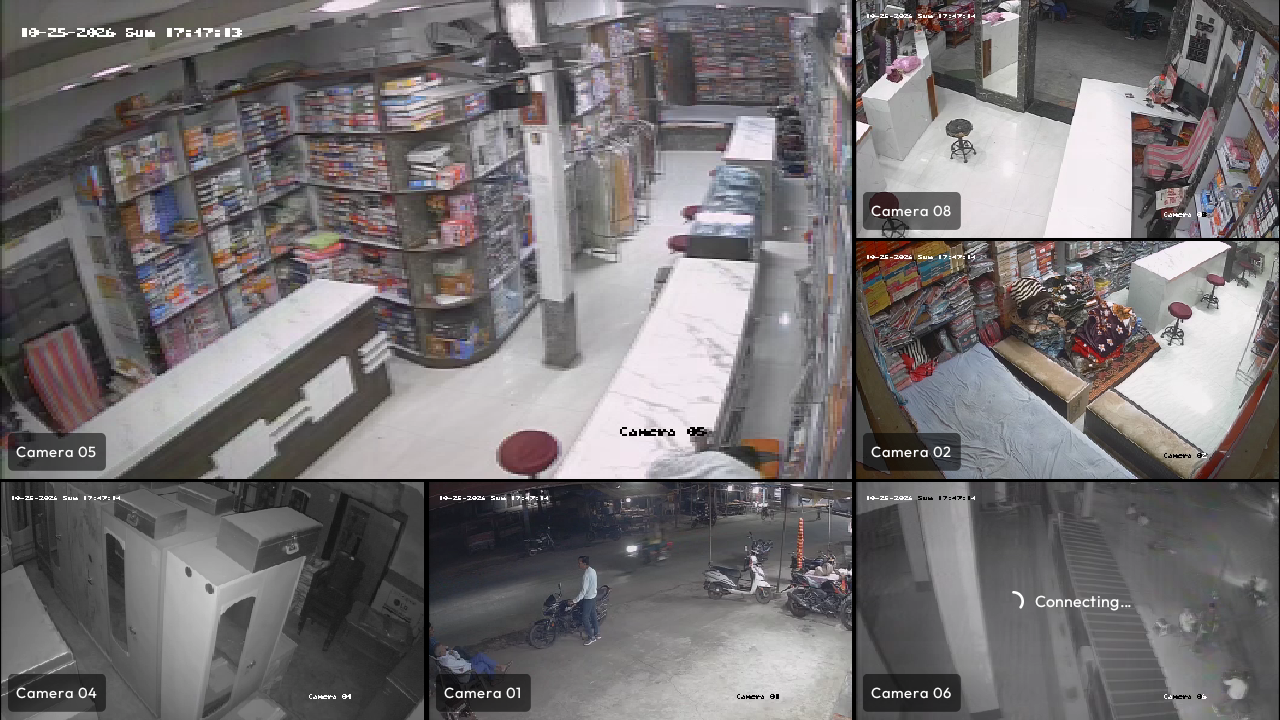
Flexible layout options: My Selection (4 curated feeds), 9-up grid, All cameras wall, Single full view, and Primary enlarged tile view with smooth spring transitions.
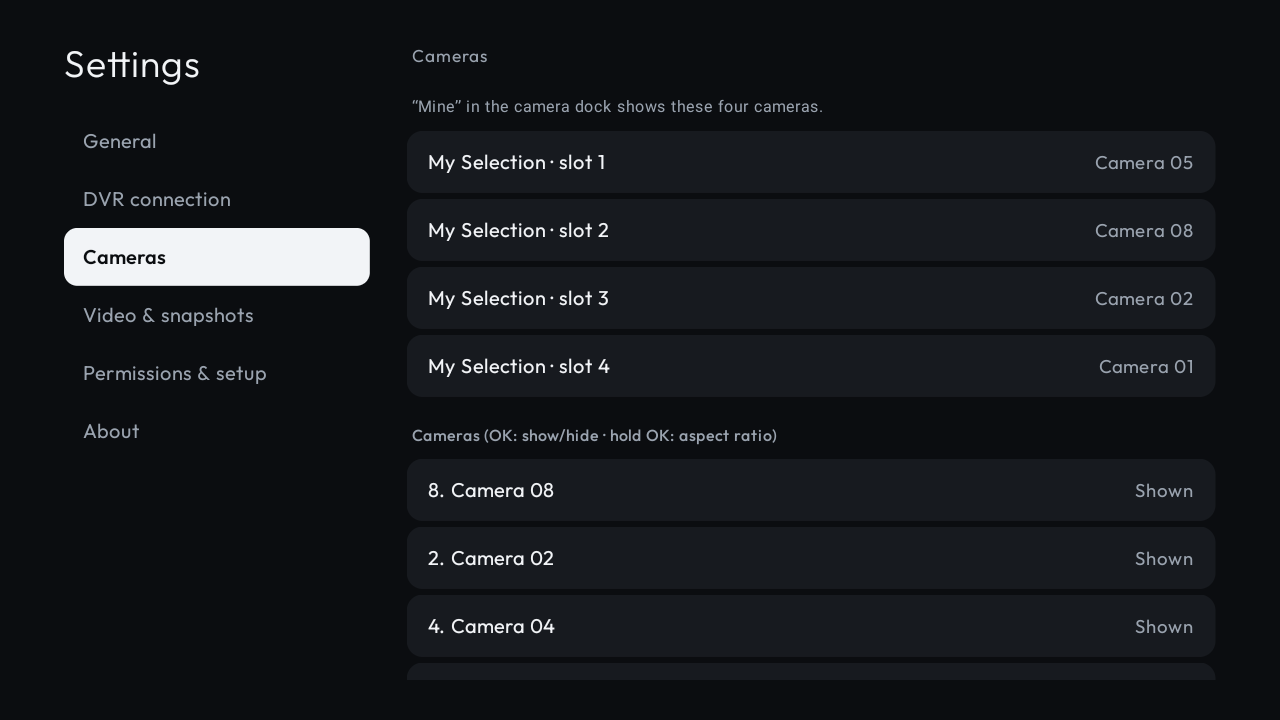
1 to 64 camera channels
Automatic channel discovery from the NVR/DVR. Fallback manual channel count handles non-discovery devices.
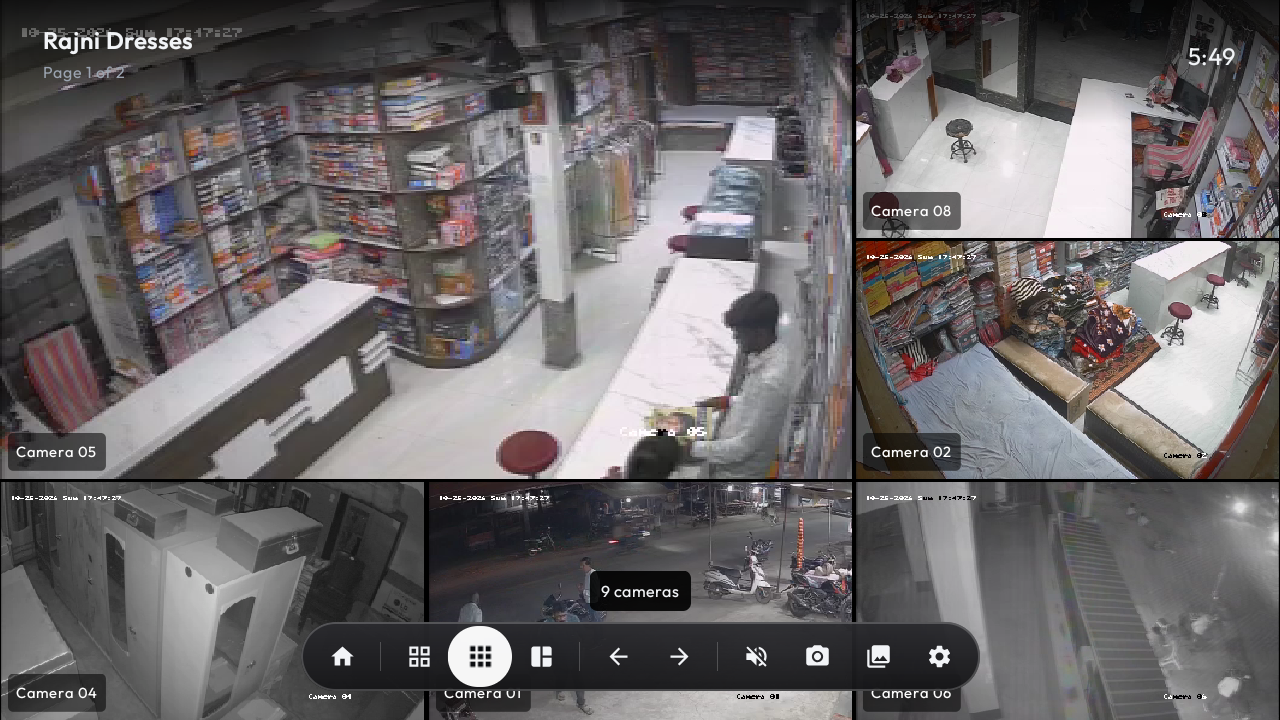
Drag and reorder camera tiles
Easily rearrange feeds to match your physical site layout. "Reset camera order" restores default DVR mapping.
Show or hide cameras
Toggle individual camera channels on or off so unused or offline feeds don't take up grid space.
Per-camera aspect ratio override
Configure Stretch, Fit, Zoom, 16:9, or 4:3 independently for corridor cameras and wide-angle lenses.
Interactive demo mode
Includes eight beautifully animated demo cameras to explore layouts, remote shortcuts, and gestures before connecting to a DVR.
DVR / NVR Support
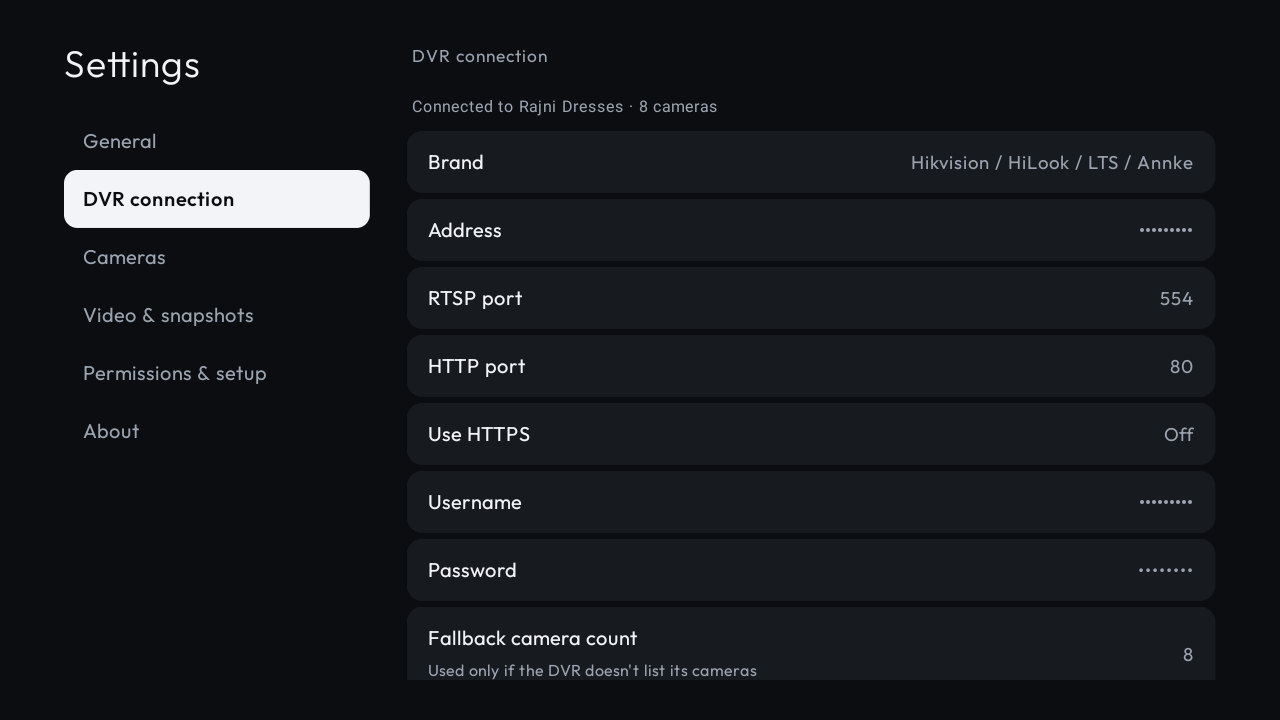
Multi-brand DVR/NVR compatibility
Native protocols and RTSP templates for Hikvision, HiLook, LTS, Annke, Dahua, CP Plus, Amcrest, Lorex, Uniview (UNV), TVT, Provision, XMEye, and generic RTSP IP cameras.
Brand and stream auto-detection
Tests common endpoints to automatically discover brand capabilities and RTSP URI templates.
RTSP path presets with variables
Pre-filled templates with {ch}, {ch0}, {ch2}, {user}, and {pass} tokens make connecting any custom IP stream painless.
Keystore-encrypted credentials
Your DVR credentials are encrypted using hardware-backed Android Keystore keys and never leave your TV.
Streams & Performance
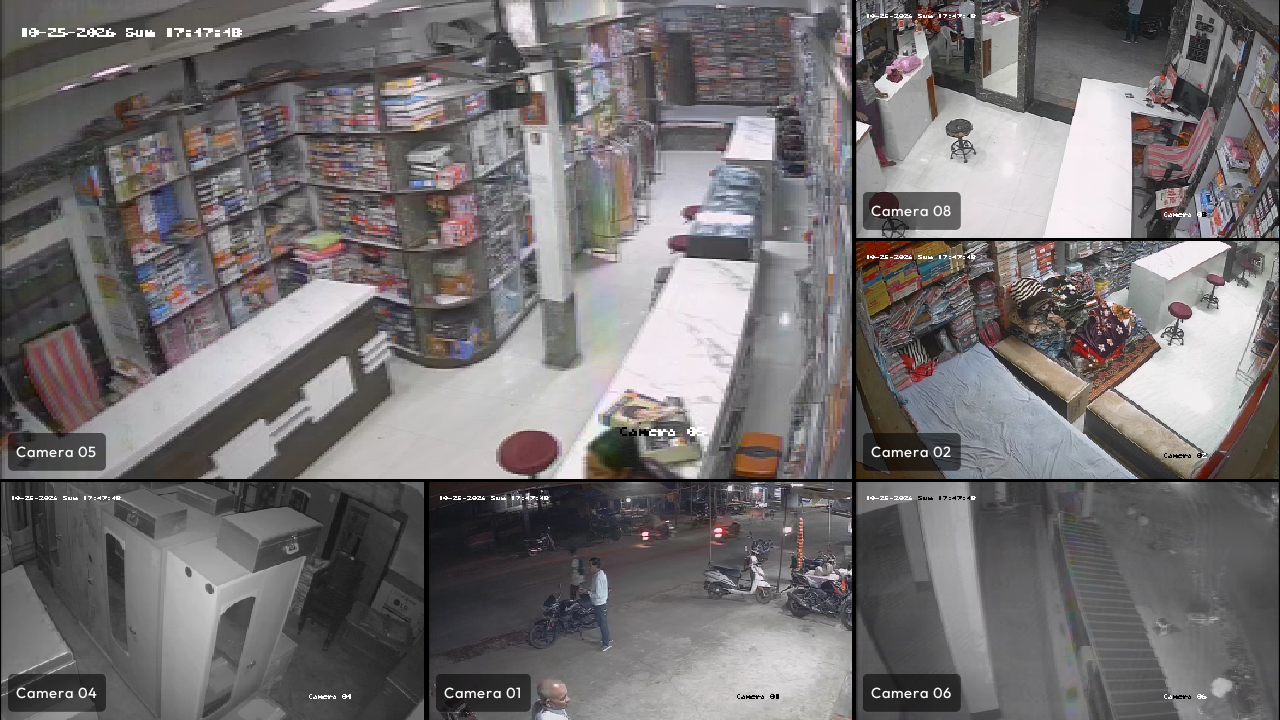
SD in grids, HD in full view
Grids stream sub (SD) feeds for ultra-lightweight GPU decoding. Zooming into any camera automatically switches to main (HD) resolution with instant SD fallback if congested.
Simultaneous stream cap
Configurable limit on concurrent hardware decoders ensures smooth frame rates on low-end hardware by intelligently pausing unseen tiles.
Built for 1 GB RAM Android TVs
Engineered specifically for budget smart TVs (tested thoroughly on Mi TV 4A Pro with Android 9). Includes "Reduced Motion" mode for maximum responsiveness.
Hardened Media3 RTSP client
Features a patched, battle-tested Media3 RTSP engine that handles erratic network latency, UDP packet drops, and proprietary DVR packet headers.
Snapshots & Evidence
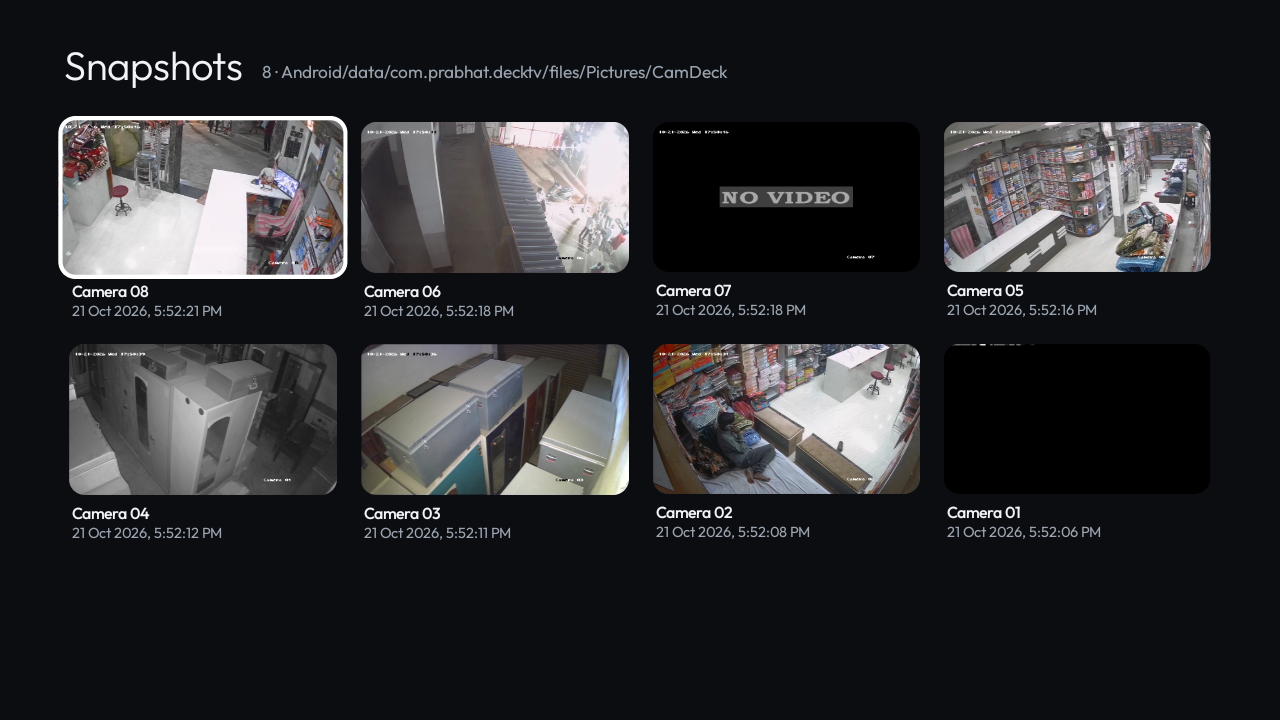
Instant snapshot & "Snapshot All"
Capture crisp full-resolution PNG frames in one click via the Red remote key or controls dock. "Snapshot All" freezes and saves every active camera simultaneously.
On-screen gallery viewer
Browse, inspect in full-screen, and delete evidence photos directly on your TV using remote D-pad navigation. Saved in Pictures/CamDeck.
Audio Monitoring
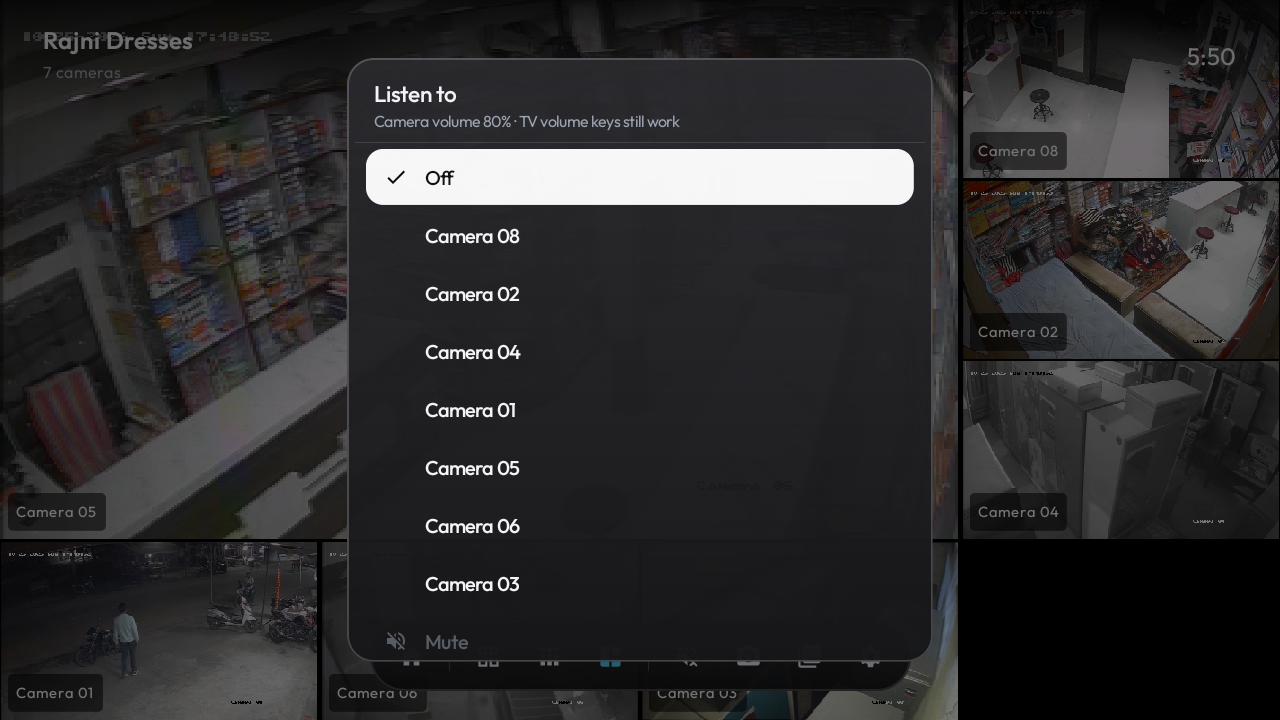
Independent camera audio listening
Listen to the microphone on any selected camera feed with independent volume control separate from your TV's main audio level.
Remote, Pointer & Touch
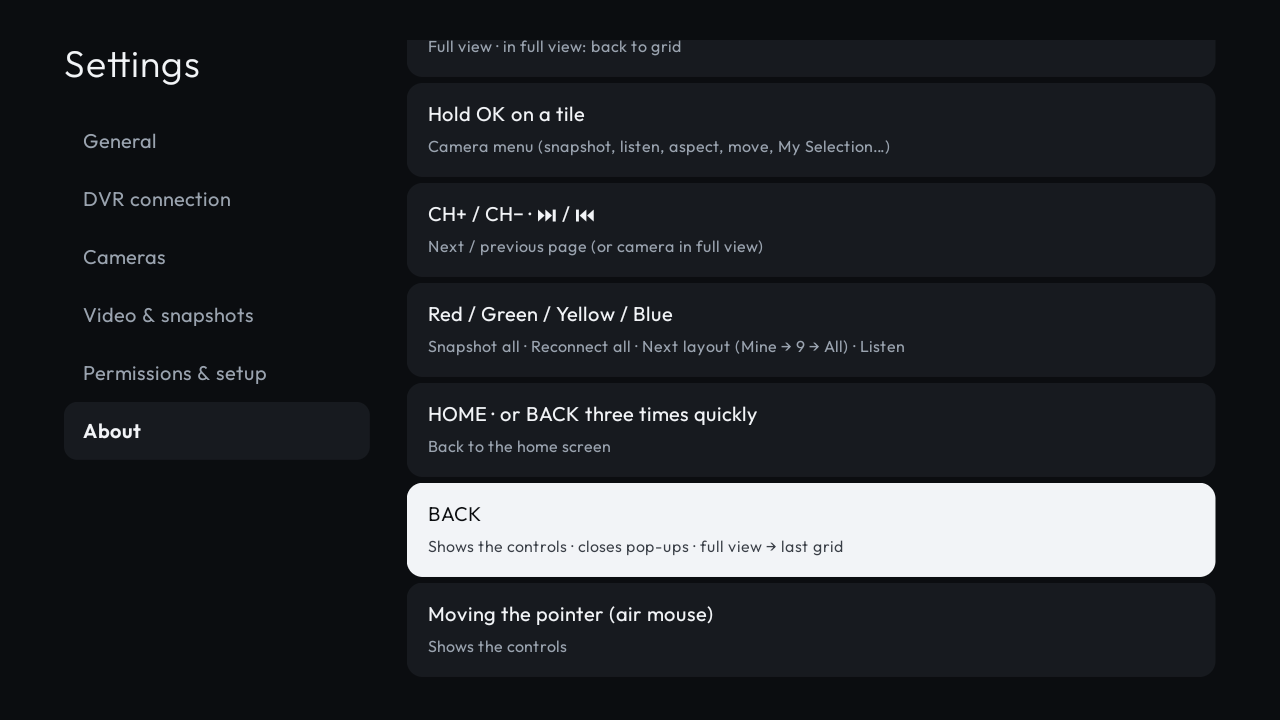
Direct number jump (0–9)
Press digits 1–9 on your TV remote to instantly maximize that camera full-screen. Press the same digit or 0 to immediately return to the grid.
Color key remote shortcuts
Red: Snapshot All · Green: Reconnect Feeds · Yellow: Cycle Layouts (Mine → 9-Up → All) · Blue: Toggle Audio Monitoring.
Fluid D-pad and air mouse
Native focus rings, CH+/CH- page cycling, long-press OK for channel context menus, and full support for air-mouse pointing devices.
Touch & gesture support (DeckCam)
DeckCam adds fluid touch controls, pinch-to-zoom, tap-to-focus, and swipe navigation tailored for phones and tablets.
Android TV Home Launcher
Apple TV-style glass focus
Smooth spring animations, depth layers, dynamic greeting, live clock, and clean wallpaper backdrops without banner ads.
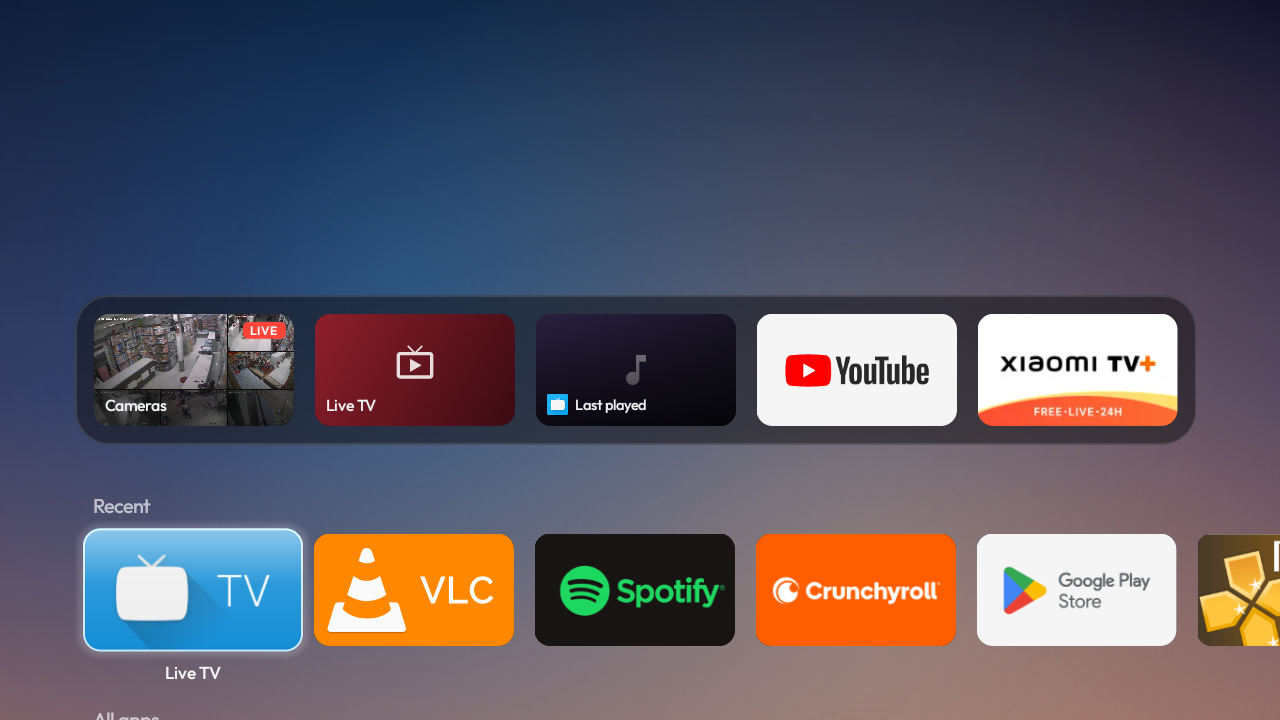
App management & custom dock
Recent & frequently used apps row, custom pinned dock, hide unused apps, and easy access to HDMI/AV inputs and system settings.
Ambient clock screensaver
Minimal drifting clock displays gently when the launcher is idle.
Privacy & Security
100% Local & Private
Streams direct from your DVR over your private LAN. Zero third-party cloud brokers, zero analytics SDKs, zero telemetry, no account required.