

FOR SHOPS, OFFICES & HOMES WITH A DVR

Your TV is the control room.

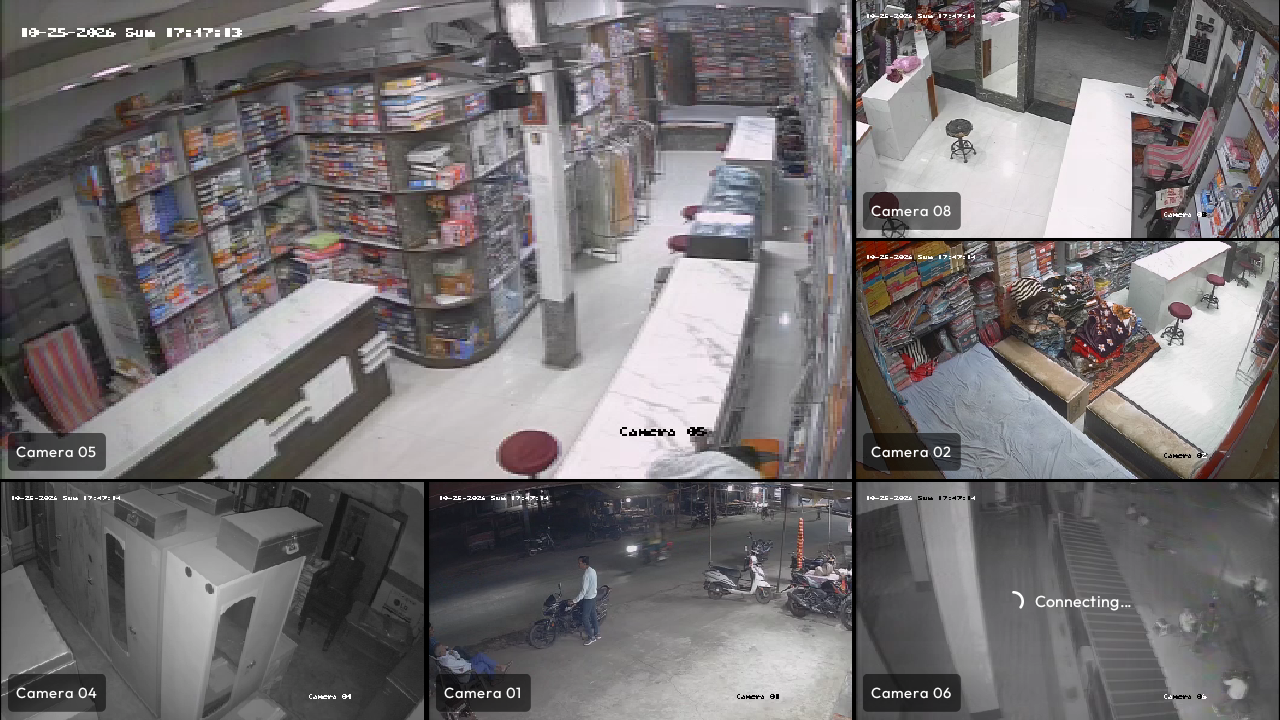
DeckTV replaces your Android TV's home screen. Switch the TV on and it opens straight into your DVR's live cameras. Nothing to tap, no cloud account, no phone app.

Tested on Mi TV 4A Pro·Runs on 1 GB RAM TVs·Android 9+
1–9 Press keys 1 to 9 to zoom camera · 0 Return to grid
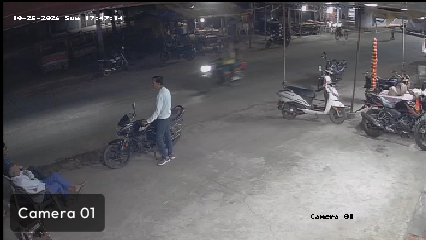
Camera 1 feed
CAM 01
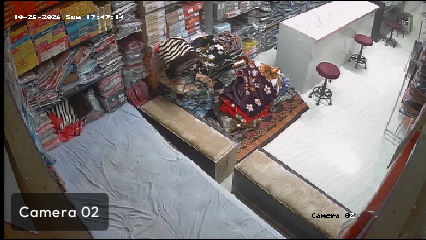
Camera 2 feed
CAM 02
Camera 3 feed
CAM 03
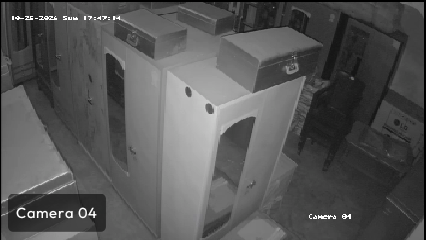
Camera 4 feed
CAM 04
Camera 5 feed
CAM 05
Camera 6 feed
CAM 06
Camera 7 feed
CAM 07
Camera 8 feed
CAM 08
Camera 9 feed
CAM 09
BOOT TO CAMERA

Switch on. Cameras on.

No remote, no input switching, no opening an app. Set Camera as the Start-up input and the TV powers on into your live camera wall.

STANDBY
DeckTV 9-camera live wall active immediately after power-on
● LIVE WALL ACTIVE · ZERO CLICKS
01

Start-Up Input: Camera

DeckTV configures itself as your TV's start-up source. When AC power or the remote turns the TV on, the system bypasses all menus and loads the video engine immediately.

02

Never Sleep Mode

No screensavers covering the monitor, no 4-hour energy auto-off dialogs. DeckTV maintains continuous display wakefulness while surveillance feeds are active.

03

Xiaomi Auto-Play Protection

Xiaomi/PatchWall firmware forces Live TV to play on boot (set_auto_play). DeckTV syncs with system properties to keep Live TV from grabbing the display.

Made for shop counters and reception desks. Switch the TV on at the wall in the morning and the cameras are there.

FEATURES

Built for watching, not configuring

Runs on cheap 1 GB TVs: grids use each camera's light sub-stream, and full view uses the HD stream.

GRID SYSTEM

Every camera, one screen

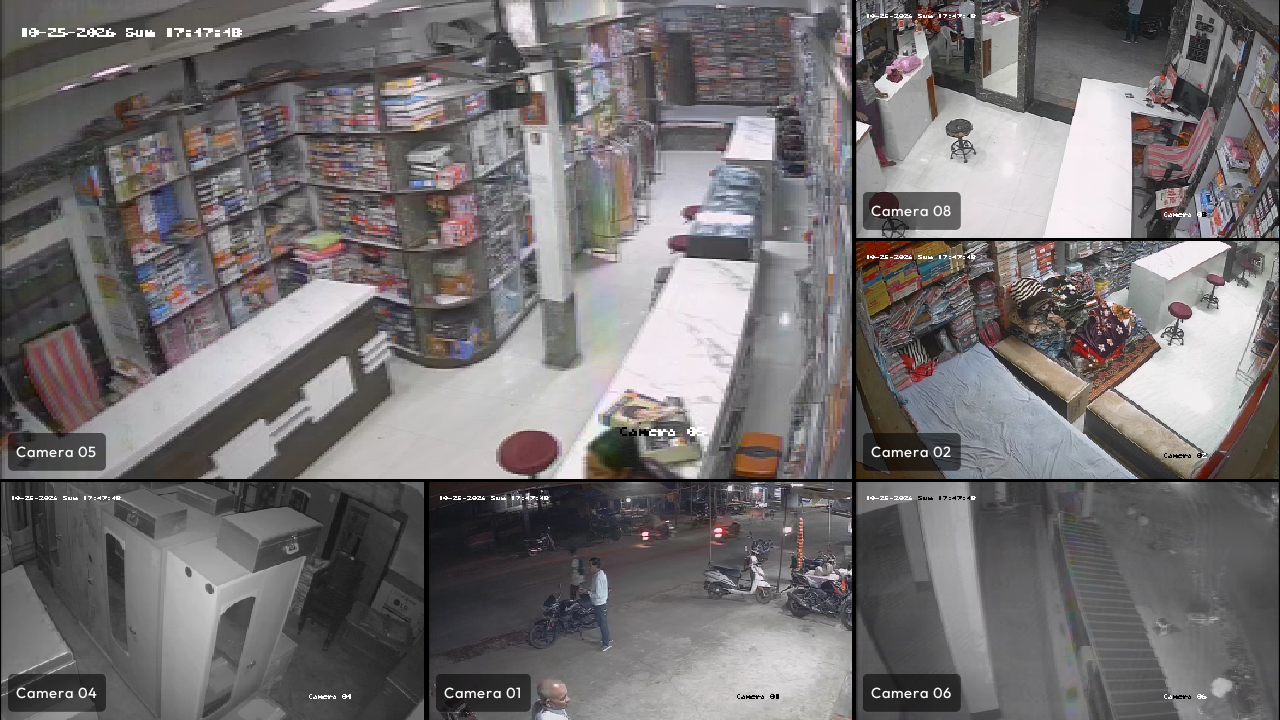
Switch dynamically between My Selection (4 curated feeds), 9-up wall, All cameras, and Single full-screen focus with smooth spring transitions.
DeckTV multi-camera grid layout
DVR & NVR ENGINE

Works with your existing DVR

Native RTSP protocols for Hikvision, Dahua, Uniview, CP Plus, and generic IP cameras over your private LAN.

EVIDENCE CAPTURE

Instant Snapshots & Gallery

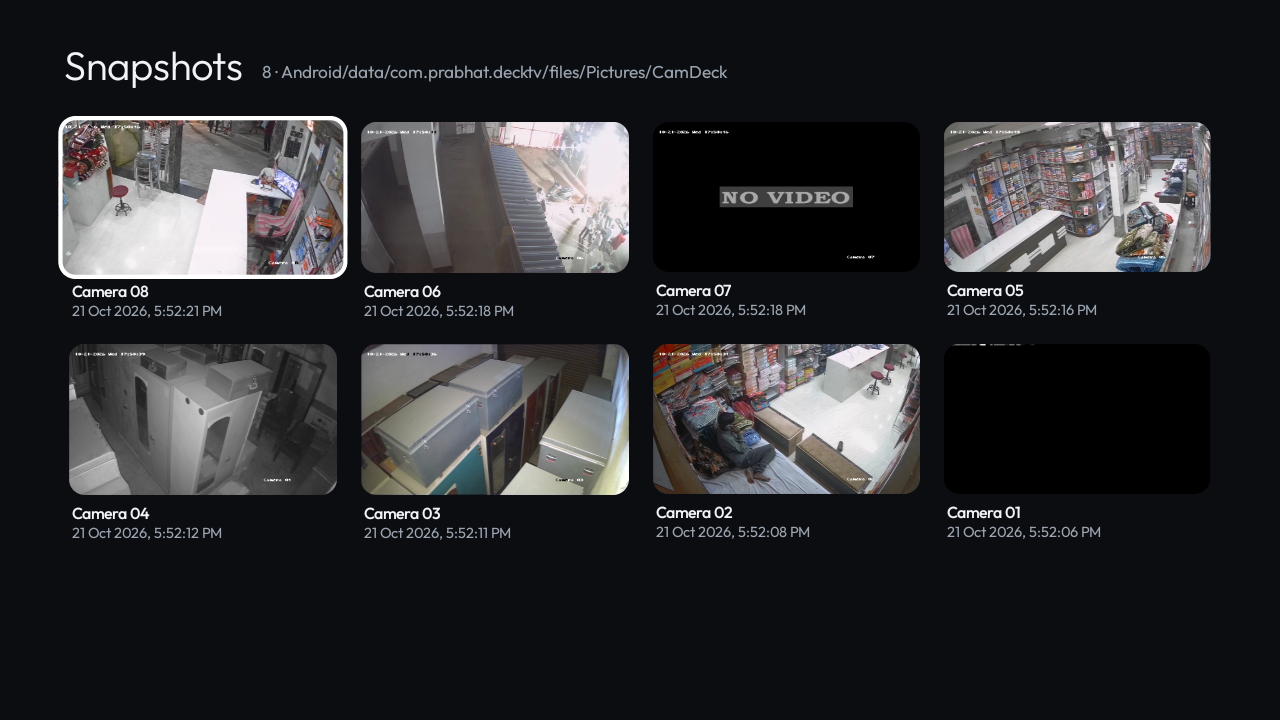
Press the Red key to instantly snapshot any feed in full-resolution PNG to Pictures/CamDeck.
Built-in snapshot gallery viewer
AUDIO MONITORING

Listen to Any Camera

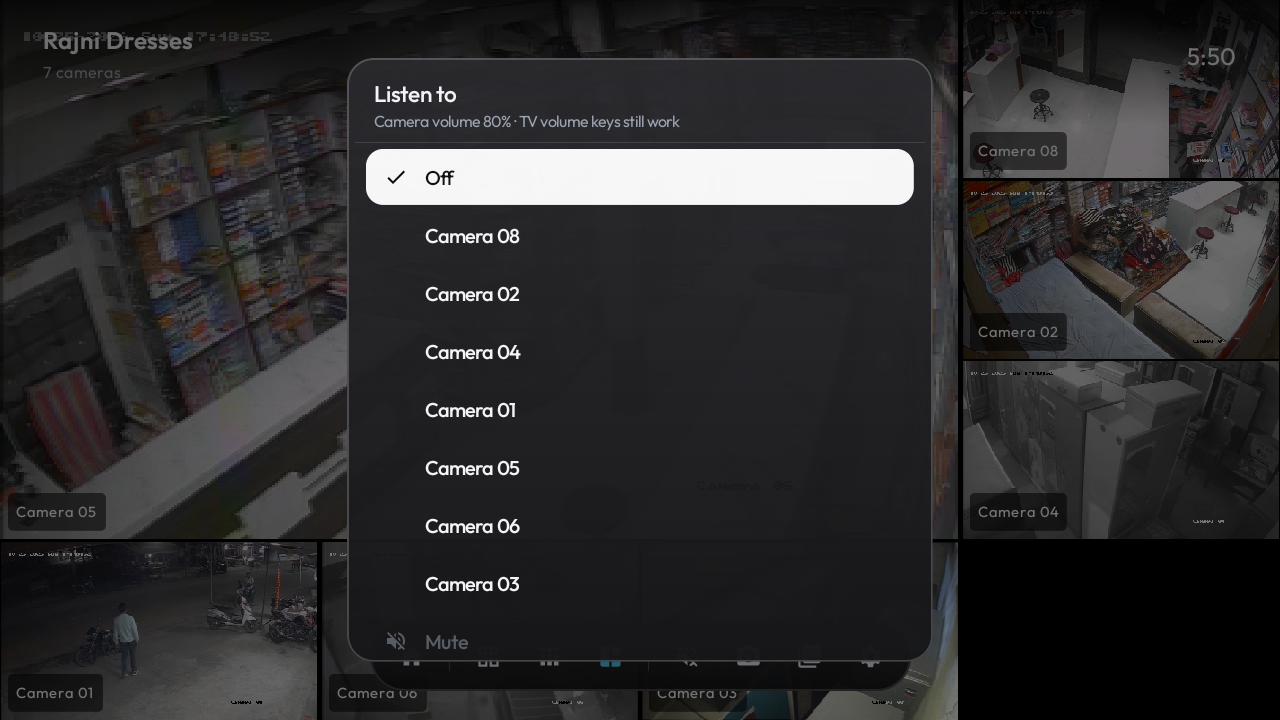
Monitor the microphone audio on any camera feed with independent volume control, separate from the TV's main volume.
DeckTV audio channel picker
ANDROID TV LAUNCHER

A clean home screen, not an ad billboard

Apple TV-style glass focus highlights, recent apps row, customizable dock, and clock screensaver. Zero sponsored advertisements.
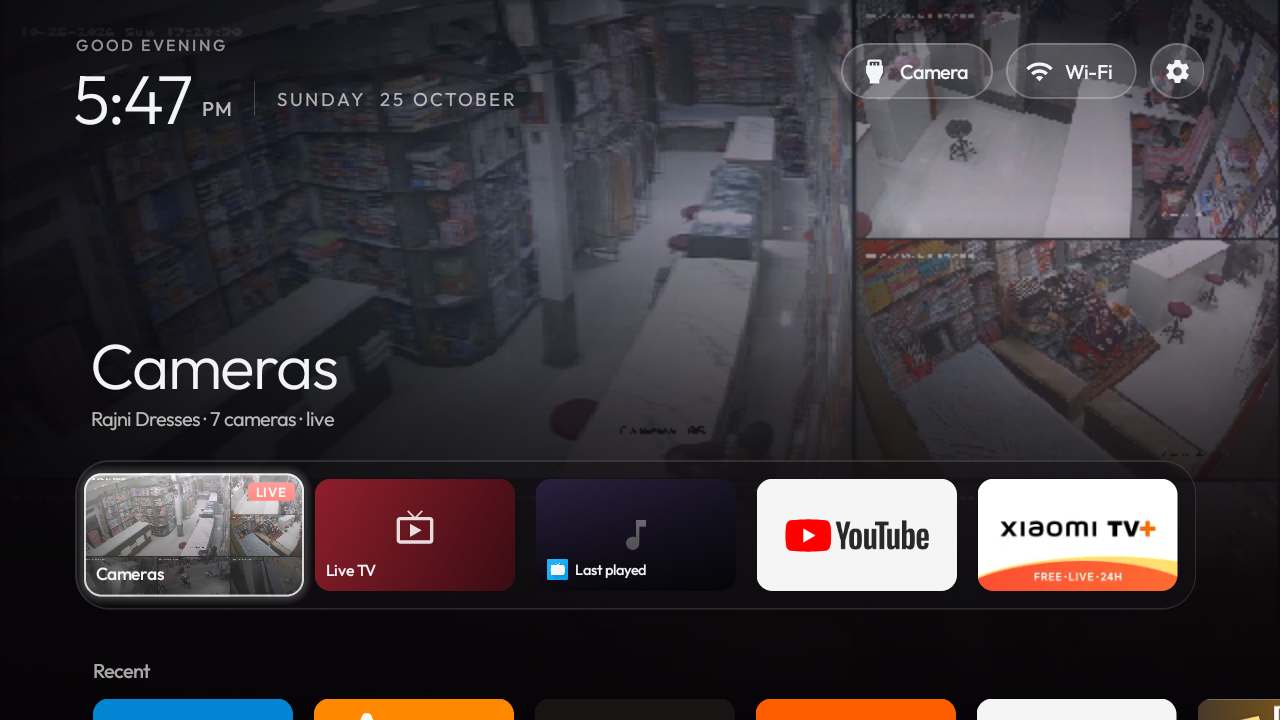
DeckTV clean home launcher interface
PRIVACY FIRST

100% Local & Private

Feeds never touch cloud servers. Passwords are encrypted on-device using Android Keystore AES hardware security.

REMOTE CONTROL

Everything works from the TV remote

Number keys pick a camera, OK opens it full screen, and the colour keys do the rest. No mouse needed.

INTERACTIVE REMOTE● HOVER / TAP KEYS
KEYACTION IN DECKTV & DECKCAM
0–9
Direct camera focus: Open that camera in full screen. Press the same digit again or 0 to return to grid.
OK
Full view on selected tile. Hold OK opens the camera context menu (Aspect, Listen, Snap, Move).
RED
Snapshot All: Instantly captures full-resolution PNG snapshots of every camera feed to disk.
GREEN
Reconnect All: Instantly re-establishes all RTSP stream handshakes if network dropped.
YELLOW
Next Layout: Cycles through Quad (Mine) → 9-Up Grid → All Cameras layout modes.
BLUE
Listen: Toggle microphone audio monitoring for the currently highlighted camera.
BACK
Show on-screen controls · close menus · return from full-screen to grid. Triple-back returns to home screen.
COMPATIBILITY

Works with the DVR you already have

Pick your brand and DeckTV fills in the stream addresses and finds your channels. Anything else works over RTSP.

STREAM ADDRESSES FOR HikvisionChannel3
Grid (SD)
Full view (HD)

Pick your brand and DeckTV builds these for every channel. Nothing to type.

FOR PHONES, TABLETS & TV BOXES

Just want the cameras?
Meet DeckCam.

DeckCam is the same camera viewer without the launcher. Install it if you want to keep your TV's own home screen, or watch your cameras on a phone or tablet.

  • ✓ Remote and touch controls
  • ✓ Phones, tablets and Android TV boxes
  • ✓ No launcher permissions
  • ✓ Opens straight to the cameras
SPECS

The details

What it needs and how it handles your video.

Operating System
Android TV 9.0+ · Android 9.0+ (Phones & Tablets for DeckCam)
Hardware Baseline
Designed for 1 GB RAM TVs. Tested on a Mi TV 4A Pro.
Video Subsystem
RTSP over TCP or UDP, Digest and Basic auth, optional HTTPS
Supported Codecs
H.264 and H.265, decoded by the TV hardware decoder
Stream Routing
Sub-stream SD decoding for multi-camera grids · Main HD stream for single focus
Snapshot Output
Lossless PNG format saved locally to /storage/emulated/0/Pictures/CamDeck
Data Security
DVR password encrypted with an Android Keystore key · no cloud, no accounts
Package IDs
DeckTV: com.waygosquad.decktv · DeckCam: com.waygosquad.deckcam
FAQ

Before you install

DVR compatibility, boot-to-camera, and what happens to your TV's own home screen.

Can my TV open the cameras automatically when it turns on?

Yes! DeckTV includes a dedicated Start-up input feature. Under Settings → Start-up input, choose "Camera". From then on, whenever you power on the TV at the wall or with the remote, it bypasses the home screen and boots straight into your live CCTV camera grid with zero button presses needed.

Which DVR / NVR brands work?

DeckTV and DeckCam natively support Hikvision, HiLook, LTS, Annke, Dahua, CP Plus, Amcrest, Lorex, Uniview (UNV), TVT, Provision, XMEye, and any generic RTSP IP camera. The built-in auto-detect tests your device to discover brand protocol endpoints and configure stream URLs automatically.

Do I need the internet or a cloud account?

No. Neither DeckTV nor DeckCam requires an internet connection or cloud account. Both apps communicate directly with your DVR or IP cameras over your local Wi-Fi or Ethernet network. No footage or credentials ever leave your premises.

Will it run smoothly on a 1 GB RAM TV?

Yes. DeckTV and DeckCam are purposefully engineered in modern native Kotlin/Compose to run flawlessly on low-cost 1 GB RAM Android TVs (extensively tested on the Mi TV 4A Pro running Android 9). Multi-camera grids use low-bandwidth sub-streams with a hardware decoder cap, switching to full HD only when you zoom into a single camera.

What is the difference between DeckTV and DeckCam?

DeckTV is a complete Android TV launcher that replaces your standard TV home screen, giving you boot-to-camera power, app management, and an integrated CCTV wall. DeckCam is the standalone camera monitor app extracted from DeckTV — perfect for phones, tablets, or TV users who want to keep their existing launcher.

Does DeckTV replace my TV's home screen? Can I go back?

Yes, DeckTV acts as your default launcher, but you can switch back anytime in Android TV Settings → Apps → Default Apps → Home app. DeckTV also gives you instant access to all your installed TV apps and HDMI inputs right from its dock.

Where are snapshots saved?

Snapshots are saved locally as standard PNG image files in your device's Pictures/CamDeck folder. You can view them in the built-in full-screen gallery, delete them via remote D-pad, or access them using any standard Android file manager.

Is my DVR password safe?

Yes. Your DVR login credentials are encrypted at rest on your device using hardware-backed keys managed by the Android Keystore system. They are never written to unencrypted storage and are excluded from cloud backups (allowBackup=false).

GET THE APP

Make the TV your camera wall.

Choose DeckTV for boot-to-camera on an Android TV. Choose DeckCam to view cameras on a phone, tablet or TV box.